

Last updated: November 2026
The Workout Time App can be opened in the browser on any device (smartphone, tablet, or PC).
However, to unlock the full power of the app—creating your own workouts and training plans, saving personal settings, tracking statistics, and playing workouts offline without an internet connection—you need a user account.
Getting started with Workout Time is clearly laid out and quick to complete: on the start screen, you can choose directly between Register, Log In, and Public Workouts.
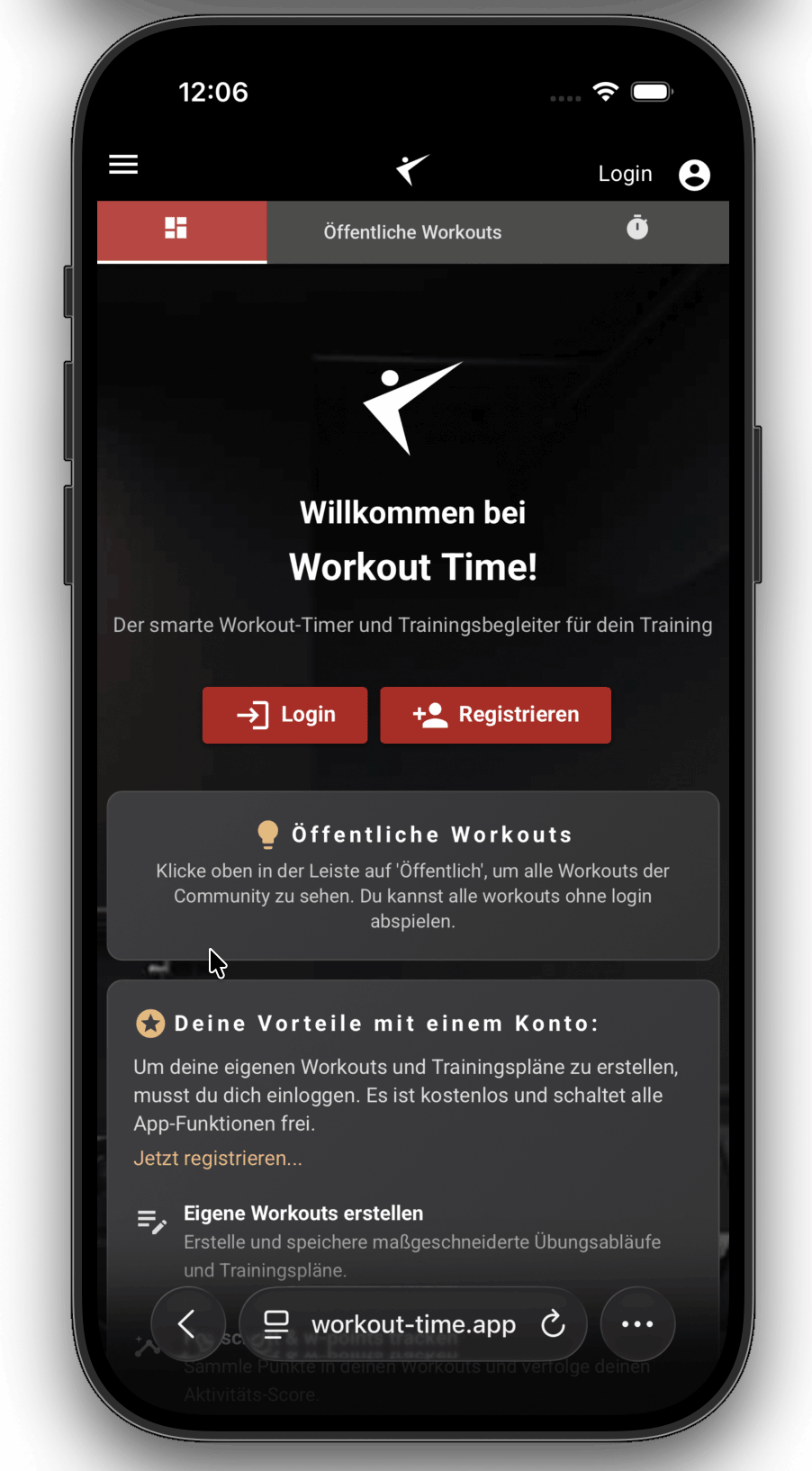
Start Screen: Choose between Register, Log In, and Public Workouts.
Two Login Options
Depending on how you registered your account, you can sign in on the login screen in one of two ways:
1. Sign in with Email and Password
Enter your registered email address and password into the respective fields.
- Password Visibility: Tap the eye icon inside the password field to toggle password visibility and prevent typing errors.
- Forgot Password? If you ever forget your password, simply click the "Forgot Password?" link beneath the input field. Enter your email address to immediately receive a secure reset link.
2. 1-Click Sign-In with Google
With one click on the "Sign in with Google" button, you sign in using your existing Google account.
- No extra password to remember—authentication is securely handled via Google standards.
- Your name and verified email address are automatically imported.
- Particularly convenient on mobile devices where you are already signed into Google.
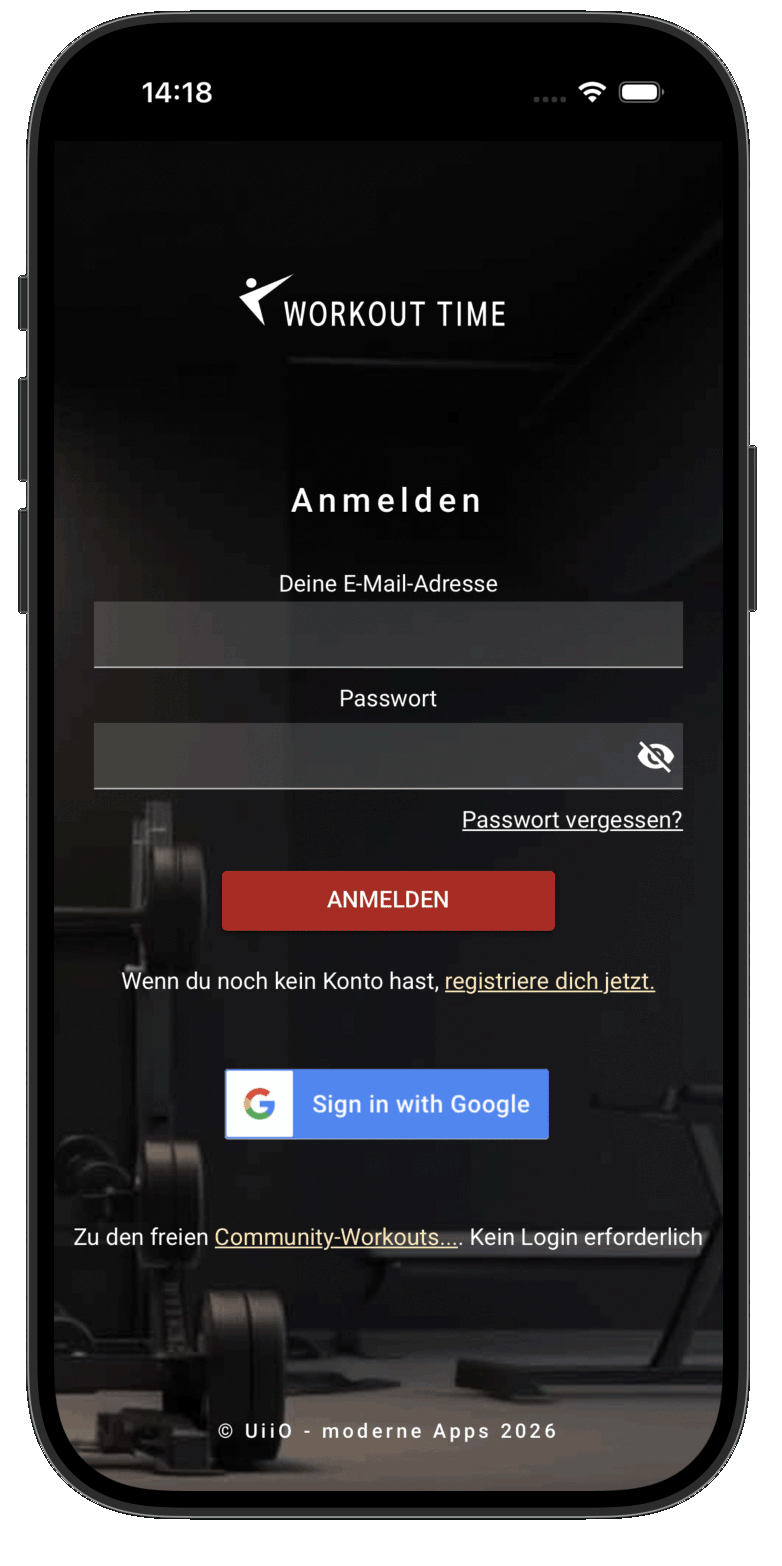
Login Screen: Fast access via Email & Password or 1-click Google Sign-In.
Note for Google Users & Native Apps: If you registered with Google, you normally log in using the Google button. However, you can set an additional, separate Workout Time password at any time via "Change password" in your Account settings (this does not change your Google account password). Once set, you can log in with either Google or Email & Password—which is also the way to sign in on native mobile apps (iOS / Android) if your account was originally created on the web with Google.
Step-by-Step Registration Process
Don't have an account yet? Sign up takes less than a minute:
- Click "Register" on the welcome or login screen.
- Name / Nick Name: Enter your name.
- Email Address: Provide a valid email address that you have access to.
- Set Password: Choose a secure password meeting the security criteria detailed below.
- Terms of Use: Check the Terms of Use box and click "Create Account".
- Alternatively: Register directly using your Google account with a single click.
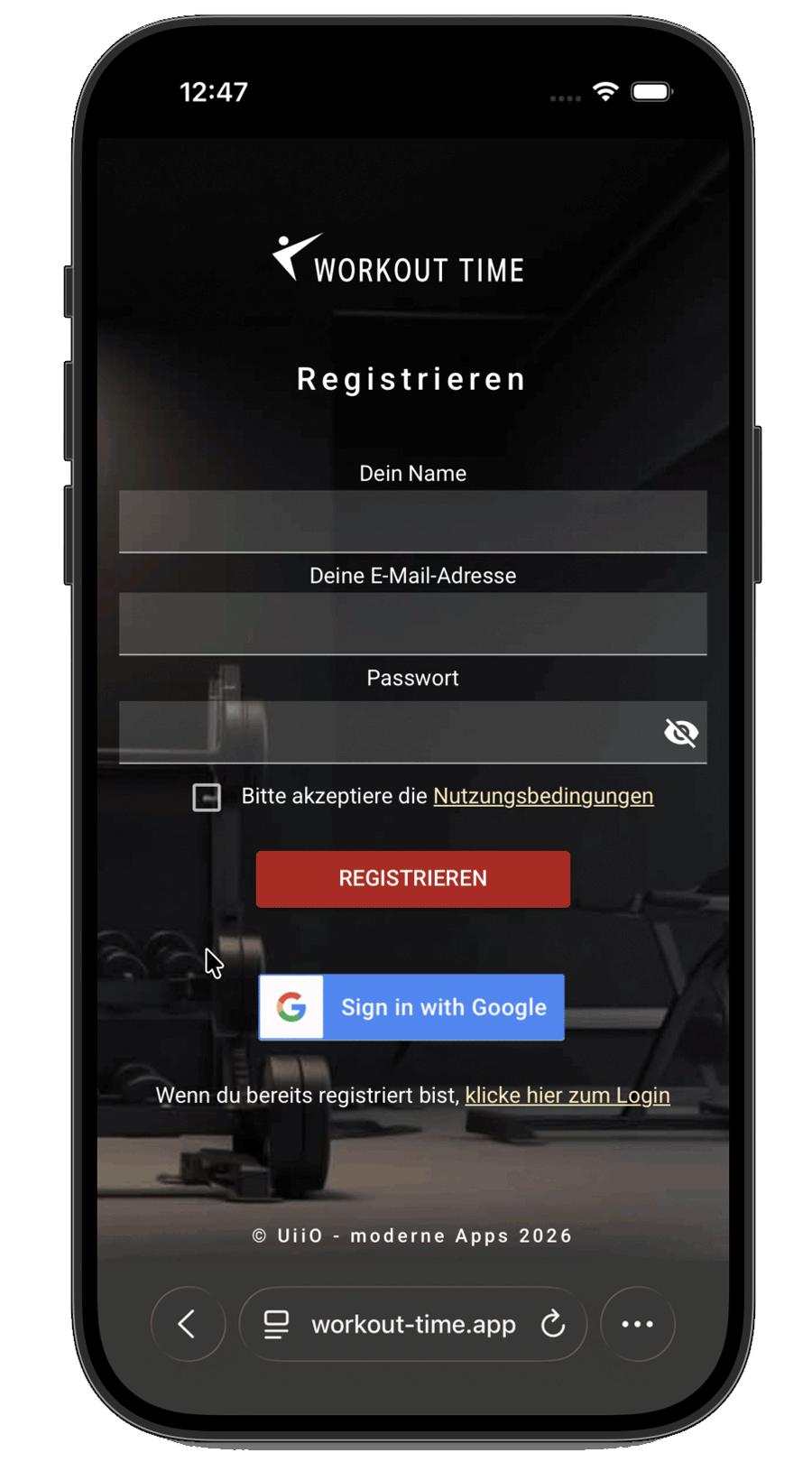
Registration: Free account creation with real-time password strength validation.
Password Security & Strength Meter
As you type your password, Workout Time displays a dynamic color indicator bar alongside clear requirement checks. The account can only be created once all four security criteria turn green.
The indicator advances through four stages: Red (1 criterion) > Orange (2 criteria) > Yellow (3 criteria) > Green (all 4 criteria met).
Why does Workout Time enforce strong passwords?
Weak passwords (like common dictionary words or simple numerical sequences) are vulnerable to automated brute-force attacks. Because your Workout Time account stores your personal workout routines, training notes, and calendar history, strict password requirements guarantee that your fitness data remains private and secure.
Email Verification & Activation
Immediately after submitting your registration, the verification screen appears. It displays the email address to which we have automatically sent a verification link so you can activate your Workout Time account.
How to Complete Account Activation:
- Check your email inbox.
- Look for an email from Workout Time (Subject: Confirm your email address).
- Click the verification link / button inside the email.
- As soon as you click the button in the email, the app automatically detects the verification and switches straight into your account (if it doesn't switch right away, you can also tap "I have verified my email"; if the email didn't arrive, you can tap "Resend verification email").
- Your account is verified and ready for training!
Tip: Please also check your spam or junk folder if the email does not arrive within a few minutes.
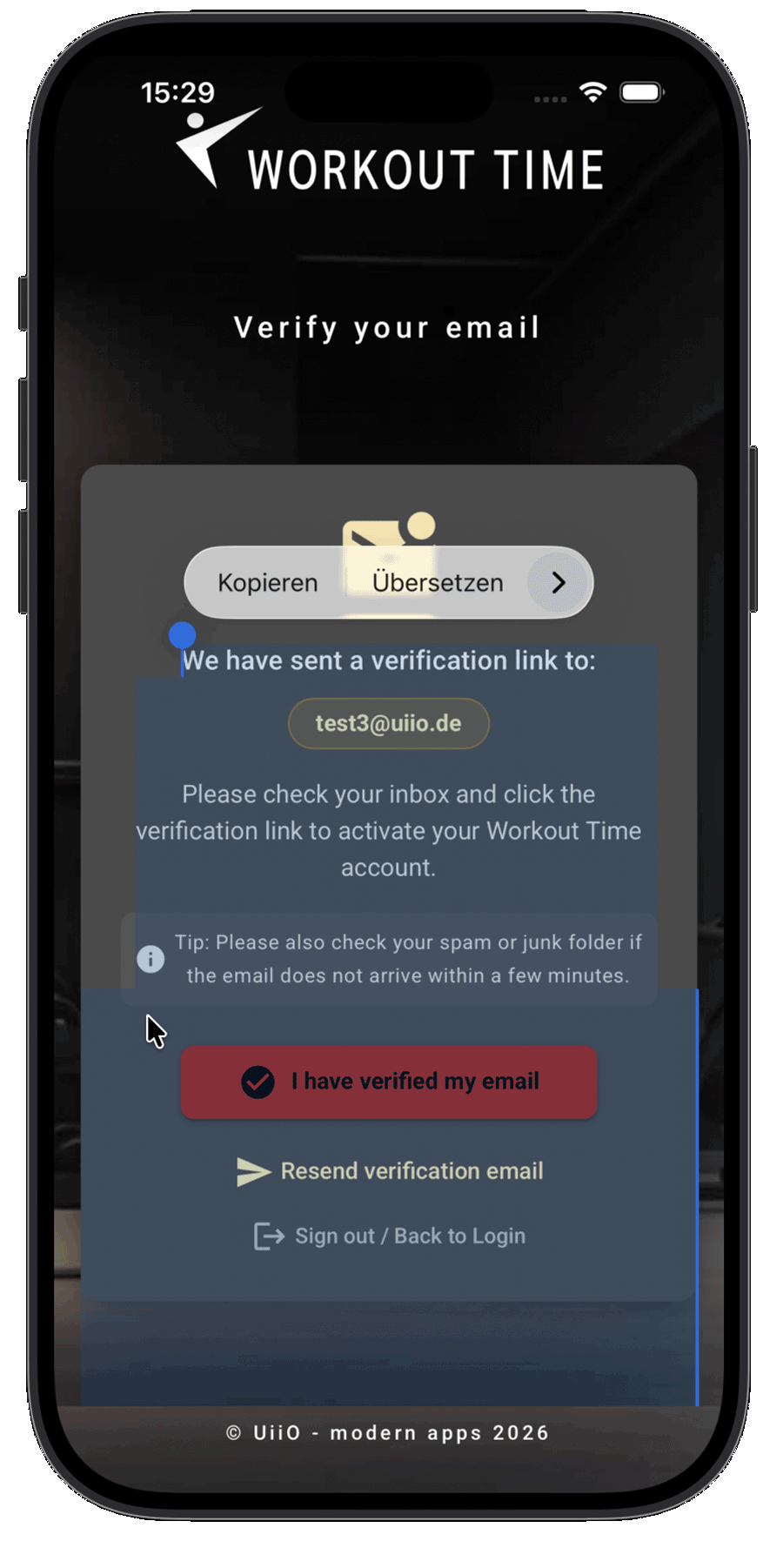
Email Verification: Confirmation screen shown right after registration.
Why is email verification essential?
- Identity Protection: Prevents unauthorized users from signing up with someone else's email address.
- Typo Prevention: Catches spelling errors right away so you don't lose access to your account down the road.
- Account Recovery: Verifying your email guarantees that password reset links will reach you securely whenever needed.
100% Free – No Traps, No Ads
Registering and using the Workout Time App is free. No hidden fees and no advertisement popups.
What Does a User Account Unlock?
Creating your free account grants unrestricted access to all core features of the Workout Time App:
Create Custom Workouts
Design customized workout routines. Sequence exercises, configure sets and rests, and attach step-by-step instructions, image slides, video loops, or YouTube clips.
Personalized Settings
Fine-tune audio countdown beeps, voice prompts, preparation timers (intros), and player display options. Preferences stay synchronized across all your devices.
Results & Statistics
Log every completed session automatically into your training calendar. Track cumulative exercise time, keep workout streaks alive, and monitor your long-term progress.
Offline Mode
Download your workouts to the local storage of your smartphone or tablet. This lets you train even without an internet connection.